Est. 2014


ANTIDILUVIAN
Client:
Personal
Role:
Producer, Artist
Purpose:
Independent Study
Year:
2025
Overview
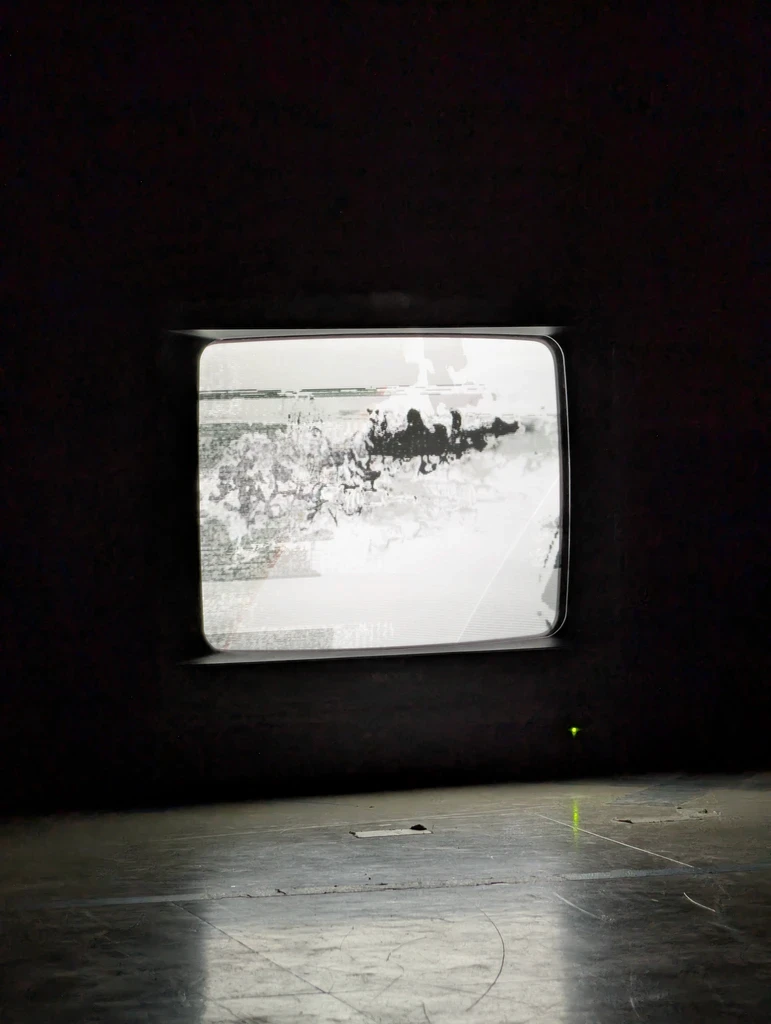
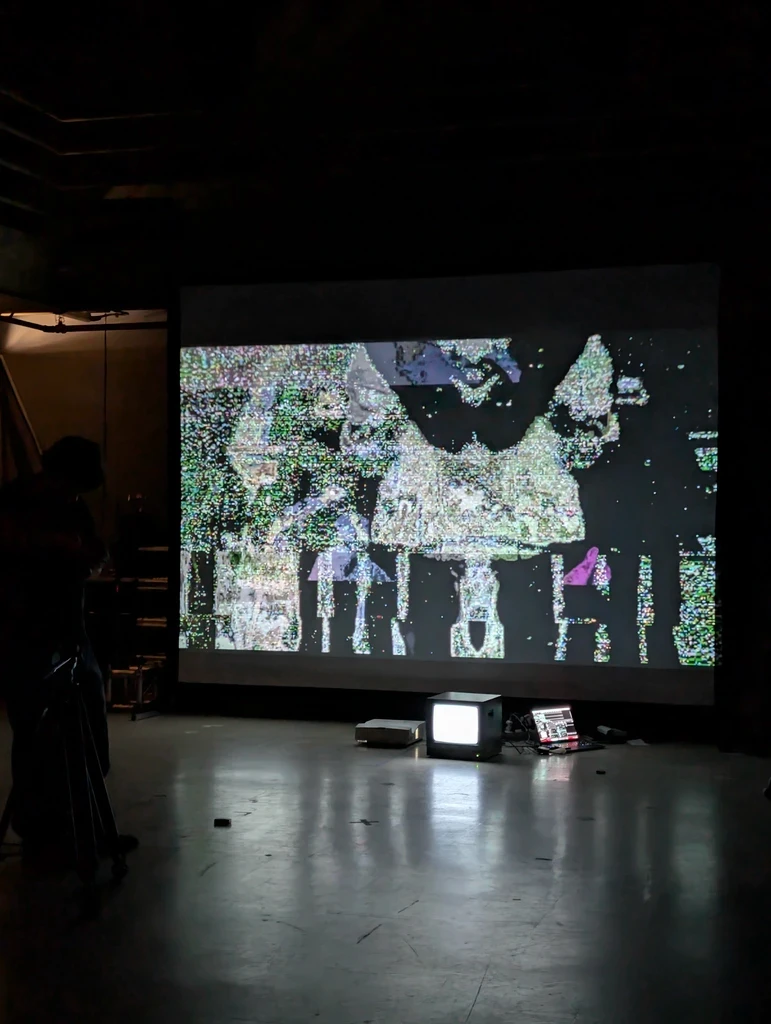
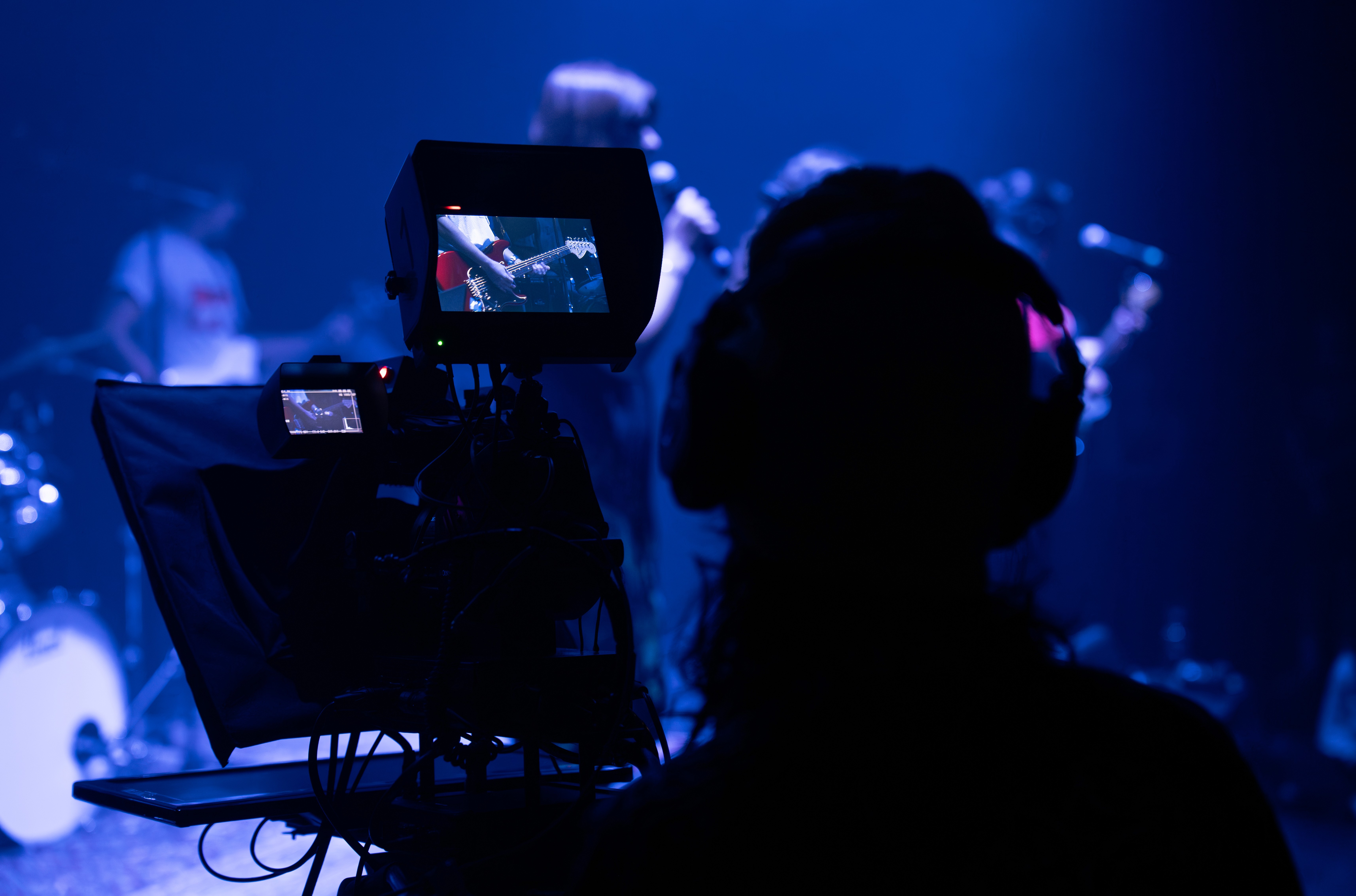
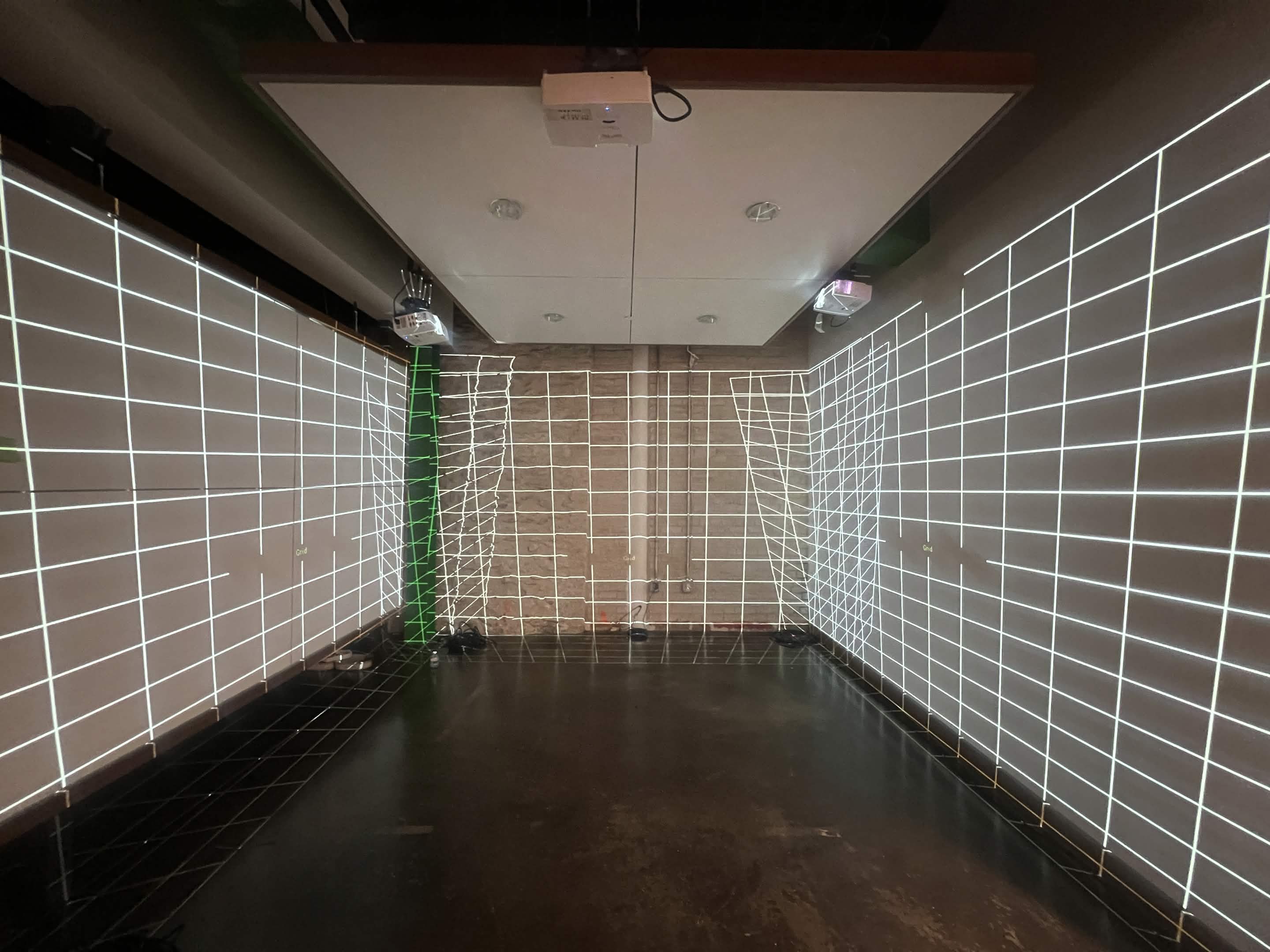
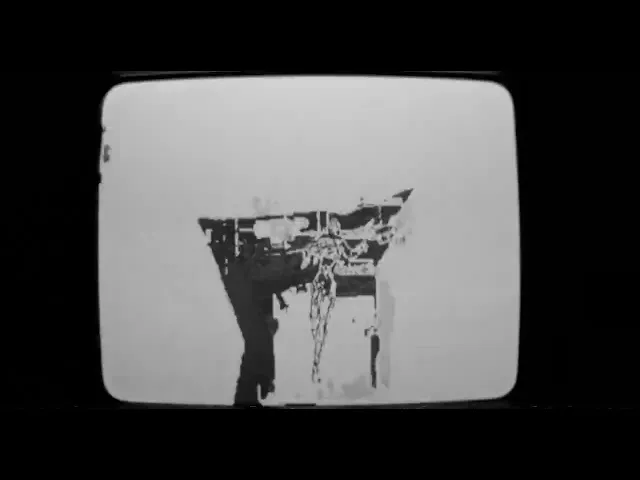
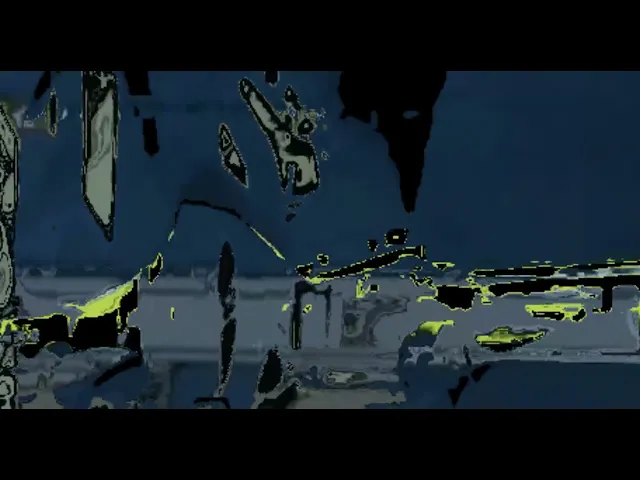
In 2025, I wrote an EP titled 'ANTEDILUVIAN' as part of an independent study in university. It features a play on discordant noise using detune unison that evolves into a calming, orchestral piece. To convey the meaning of the piece better, I filmed visualizers using a BlackMagic Pocket Cinema Camera to capture real-time visualizers created in TouchDesigner and Resolume Arena that were streamed on a projection system and CRT TVs. You can find the music videos/visualizers on YouTube or YouTube Music, linked in the PUSH.fm link listed below, along with the EP on streaming platforms, and you can read my full documentation from production to distribution in the document linked below.
ANTEDILUVIAN by MINH | Listen on Spotify, Apple Music | PUSH.fm
I. Conceptualization
In the initial development of my project, I brainstormed an album concept titled “Midnight to Dawn” (stylized as “M2D”, or “Midnight 2 Dawn”). The concept sought to include an analogy of a personal journey through different stages of emotions in a similar derivative to characterizing the stages of grief.
After some development, I had decided to retitle the album “ANTEDILUVIAN”, referring to the antediluvian period, a time period chronicled in the Bible between the fall of man and the Genesis flood narrative. I chose this title as it parallels the analogy of the “fall of man” with the “fall of self” and the journey to self-healing after the “flood”, or crisis, also following a water thematic, or motif, in some parts of the album.
The concept was planned for a 5-track release with three (3) tracks being the core components and two (2) tracks acting as interludes in between. Due to schedule constraints and following the advice of Professor Ozley, I scaled the development down to three (3) pieces with music videos and visualizers for each.
To narrow down a theme for each piece, I wrote short, poetic passages (listed below) that reflected their intentions, surrounding an aesthetic that follows themes of melancholy and a motif of “mirrors” as a metaphor for self-reflection. In other words, each passage is written as a poem intended to convey the yearning of a significant other while simultaneously having an alternate perspective of self-reflection and consolation in the first person. The visuals for each follow themes of post-modernism blended with effects of vintage aesthetics (i.e., glitches and datamoshing with VHS effects) to convey a reflection of the common theme of “cyber loneliness” (or isolation due to technology) that is found widespread among Gen-Z youth.
Passages -
Grave Flowers
Time, I can’t defy
No matter how stubborn am I
Whether I’m God or a king
I’ll become dust
Around everlasting things
Scattered
Where my grave flowers grow
Bells in the Snow
I still hear you, no matter what,
Wondrous angel.
Though I’m pulled under the currents,
Surround me nothing but Waves,
Until there are no more Sounds,
In everlasting Peace;
I can still hear you,
Like bells in the snow.
Prayer
If I could be,
Shall I be?
Yours forever for eternity
II. Production
Bells in the Snow
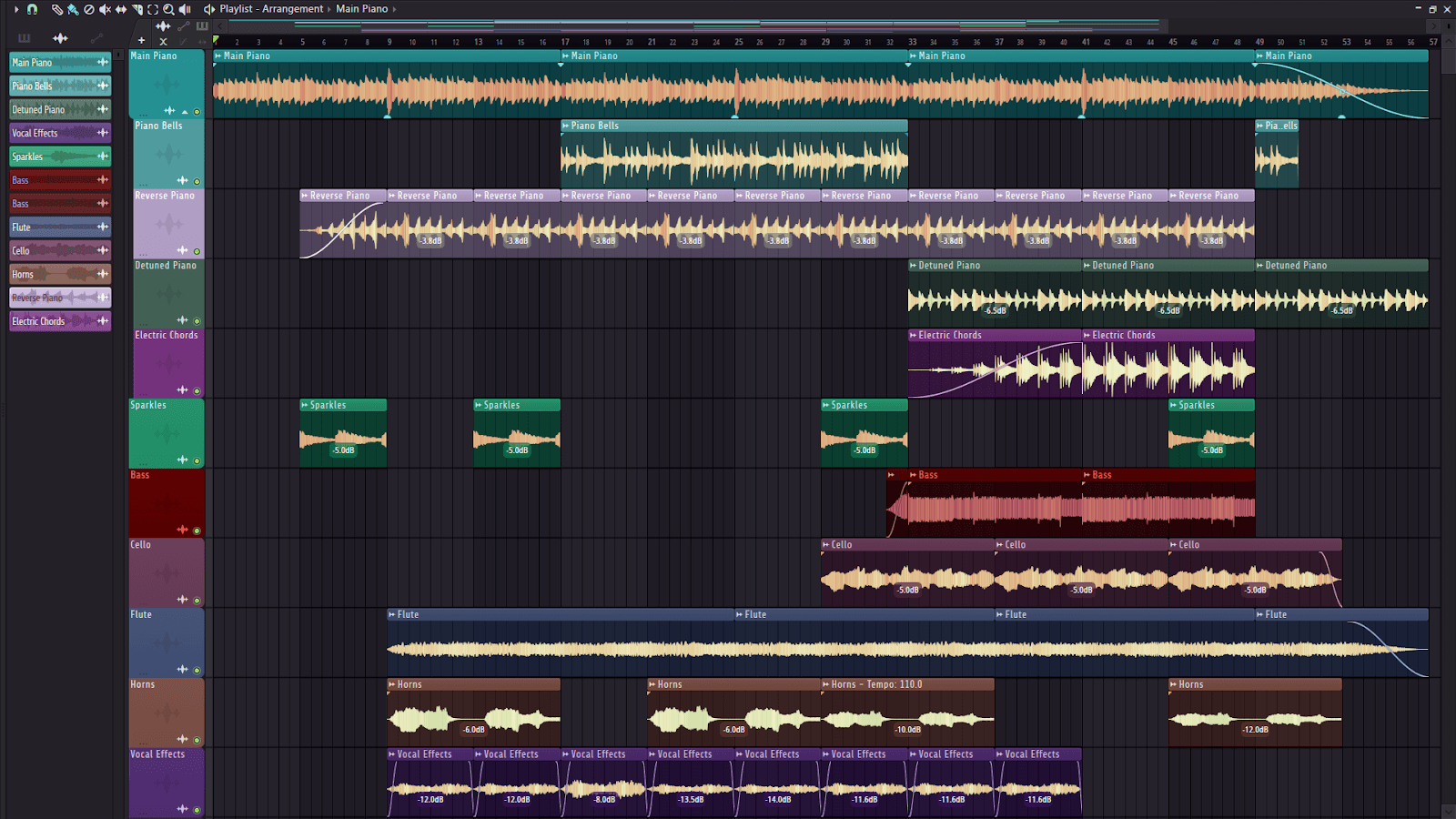
“Bells in the Snow” is a piece in G Minor at 120 BPM with 11 tracks. The piece contains:
Pianos
Main keys
Piano ‘bells’ (to provide a high-end “lead”)
Reverse piano (for a sweeping effect)
Detuned piano (to add a discomforting contrast to the main piano)
Electric Chords (to add a sort of “shimmering” effect)
Sparkle FX (almost like a reverbed piano for a shimmer/sparkle effect)
Bass
Cello
Flute
Horns (French horn)
Vocal Pads (to add atmosphere)
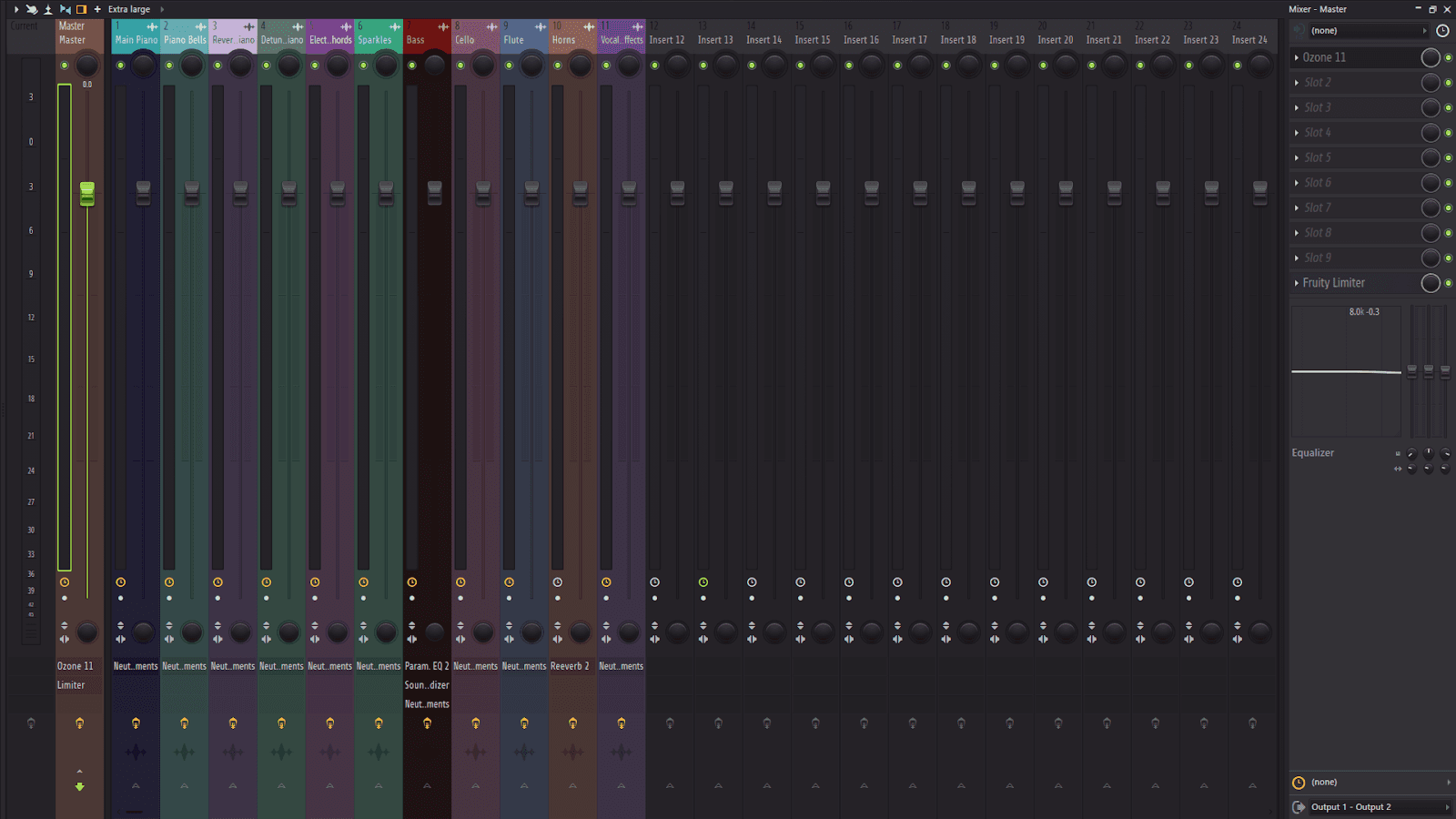
I assigned each track to a mixer track and named/color coded them for organization.
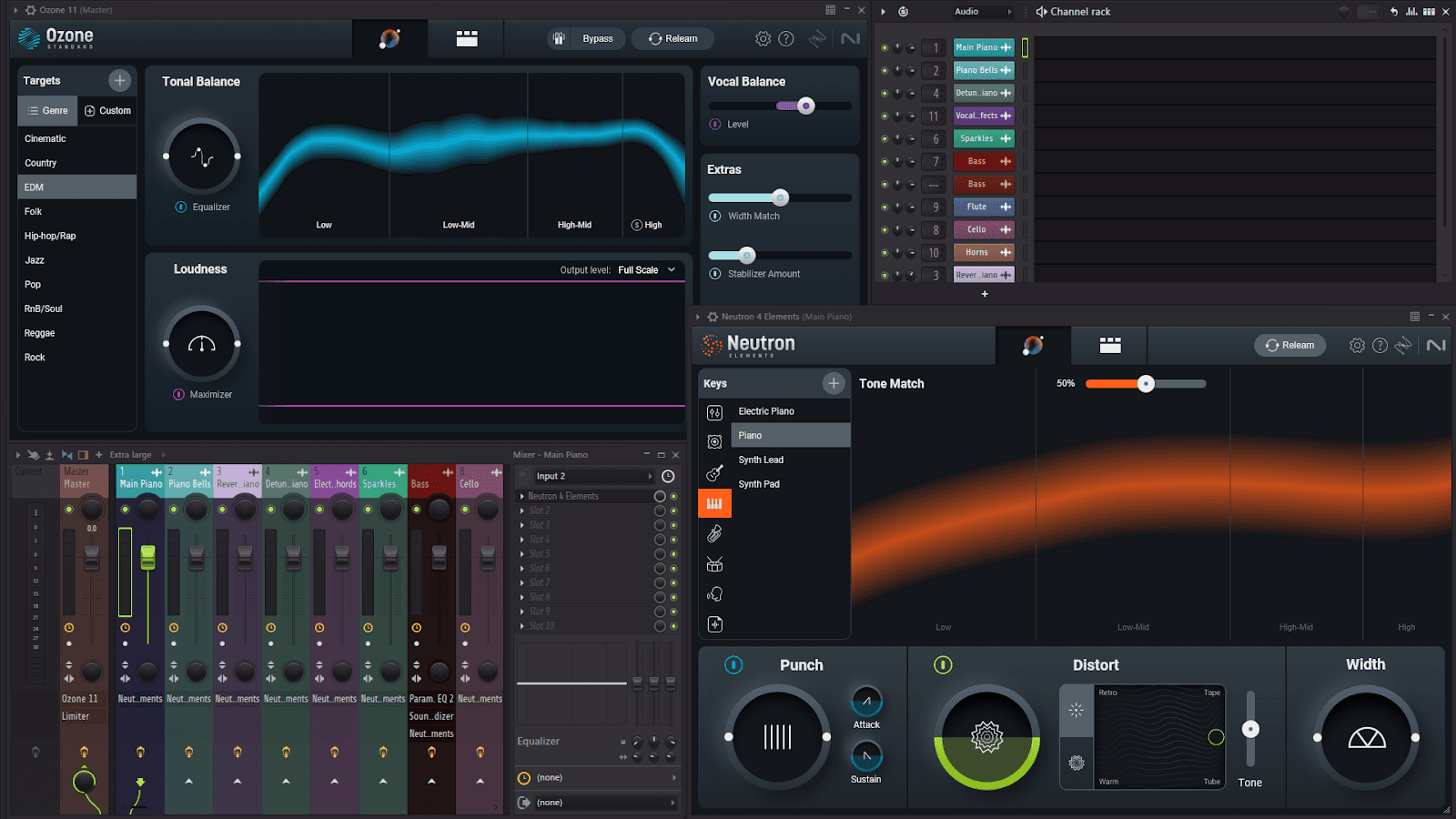
For this piece, I only utilized Ozone 11, a mastering plugin, and Neutron Elements, a mixing plugin, both from iZotope.
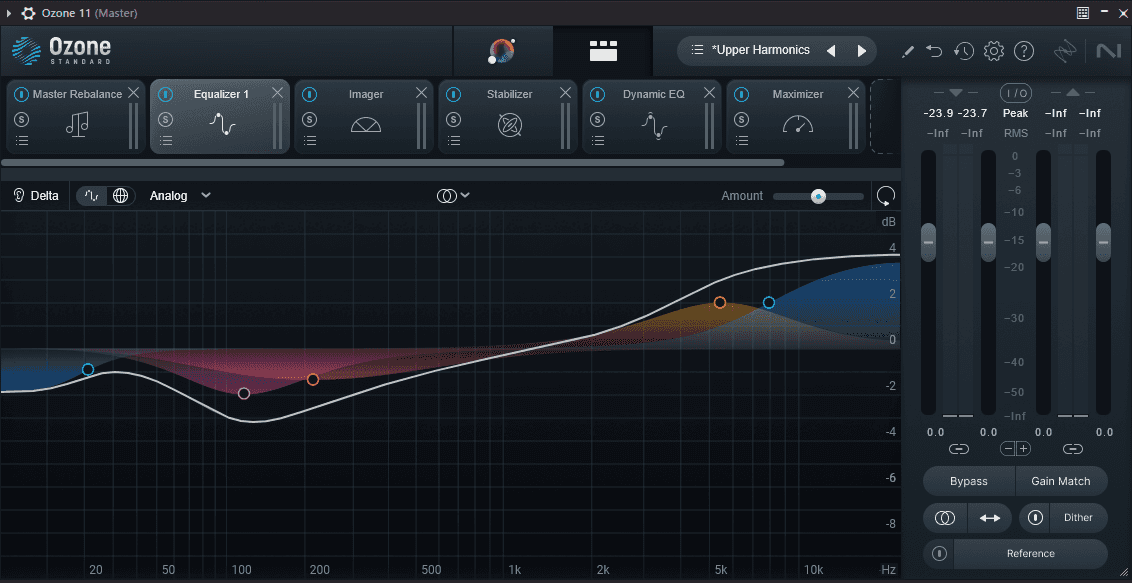
Ozone 11 is added to the Master track to control multiple functionalities, such as EQing, stabilization, rebalancing, and more. I started with a present, “Upper Harmonics”, that I felt sounded good, then manually adjusted each setting until I got the preferred end result.
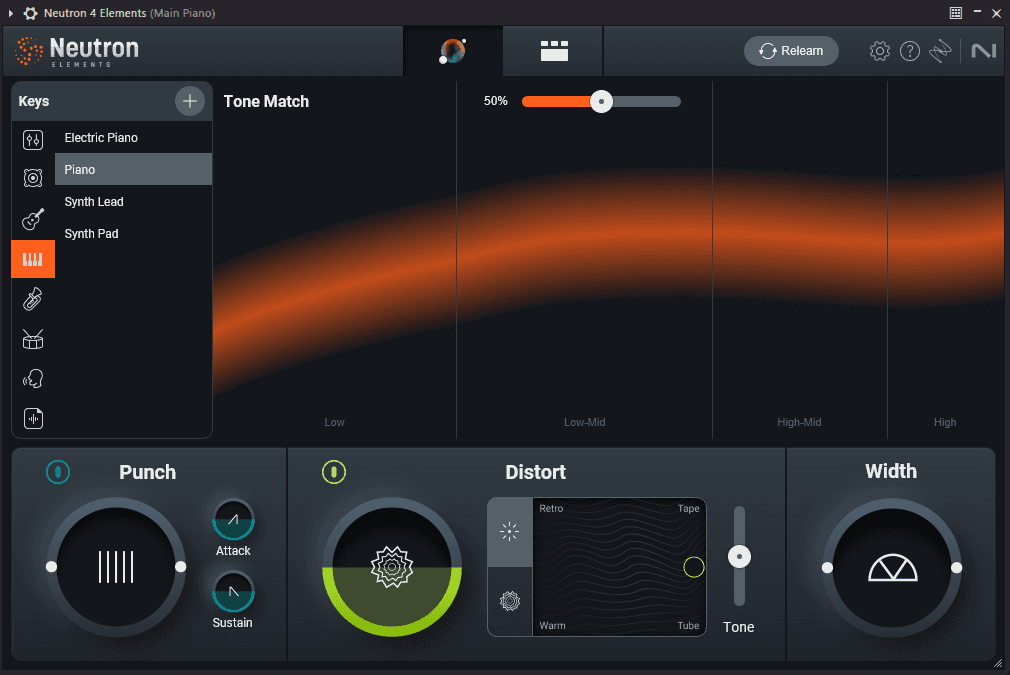
Before mastering, I added the Neutron Elements plugin to mix each track, balancing the EQ, punch, width, and more. Using this plugin, I was able to listen to each section of the audio track, such as the Lows, Low-Mids, High-Mids, and Highs. Being able to hear each section individually assisted me in being able to adjust the EQ of each track to get the sound I was looking for.
Grave Flowers
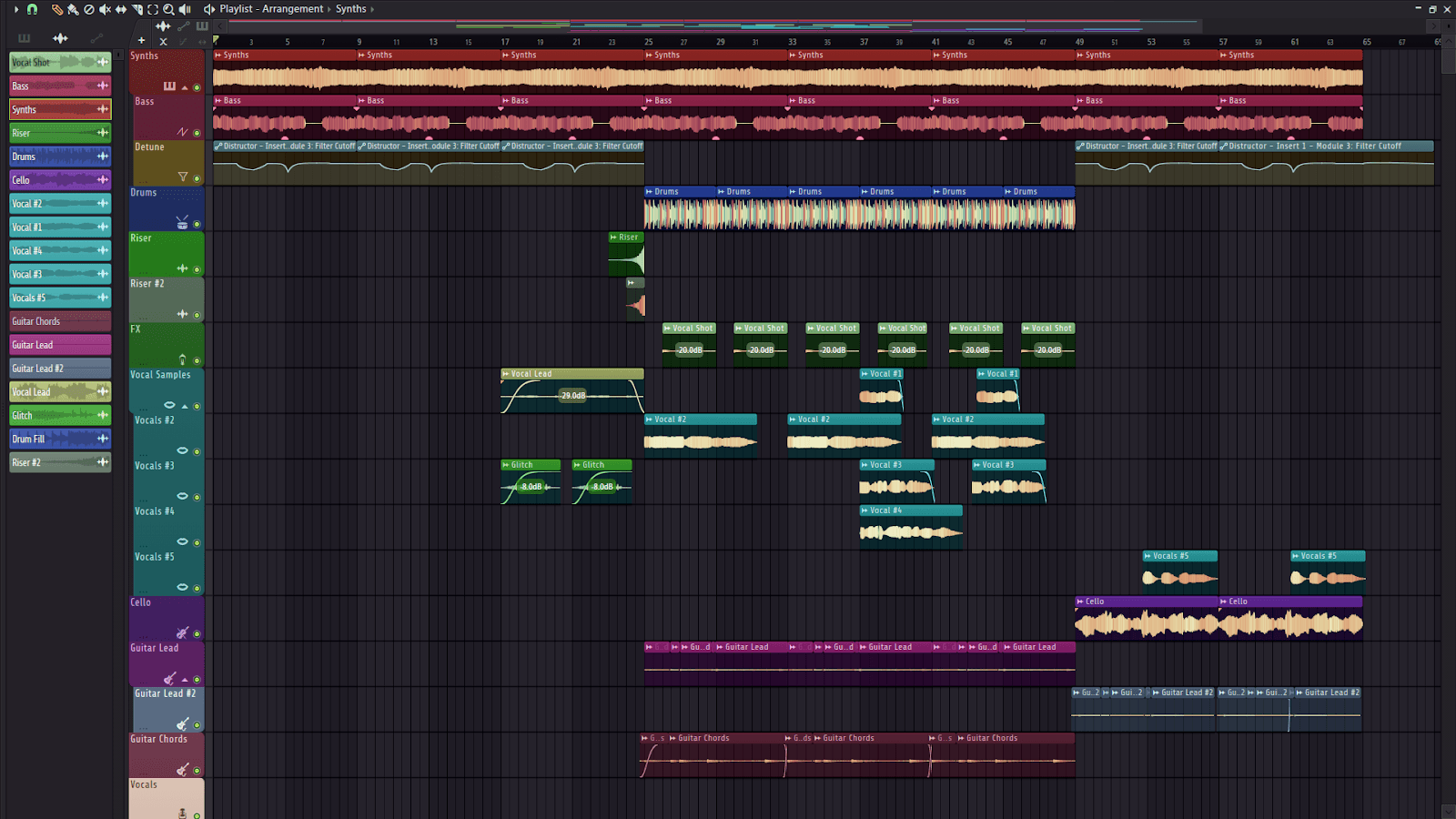
“Grave Flowers” is a piece in B Minor at 140 BPM with 15 tracks. The piece contains:
Synth
Bass
Detune automation (using the Destructor plugin)
Drums
Riser (2)
Vocal Shot FX
Vocal Samples (5)
Glitch FX
Cello
Guitar Lead (2)
Guitar Chords
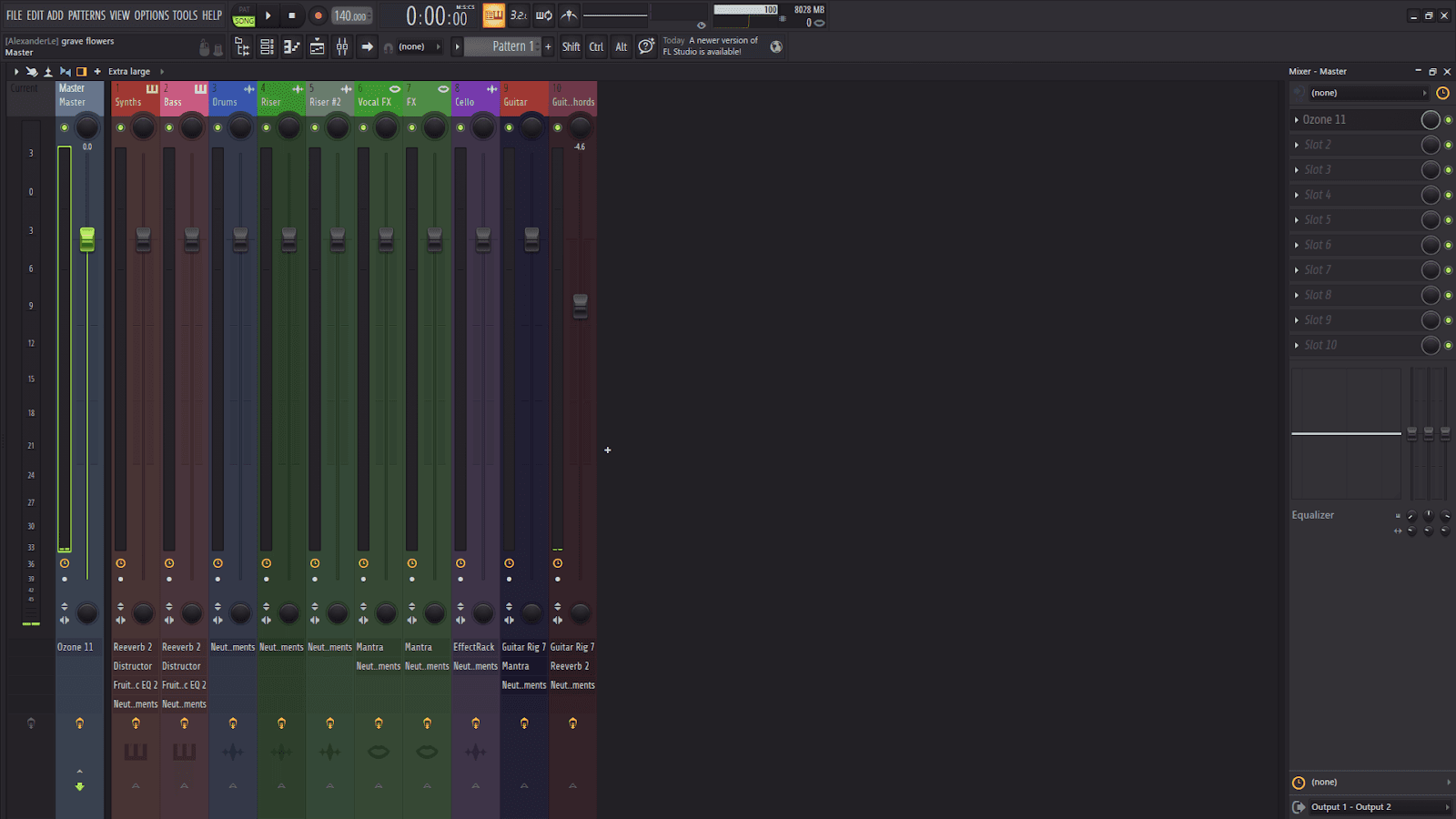
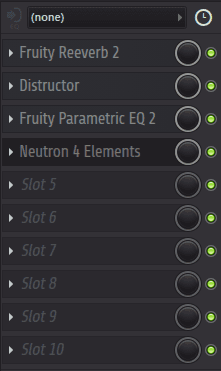
Since some tracks utilized the same plugins, such as all five (5) of the Vocal Samples, I combined them into a single mixer track. I have a total of ten (10) mixer tracks with Neutron Elements in each one of them for mixing, and Ozone 11 in the Master track for mastering. There’s also some basic reverb in a few select tracks for blending them into the mix.
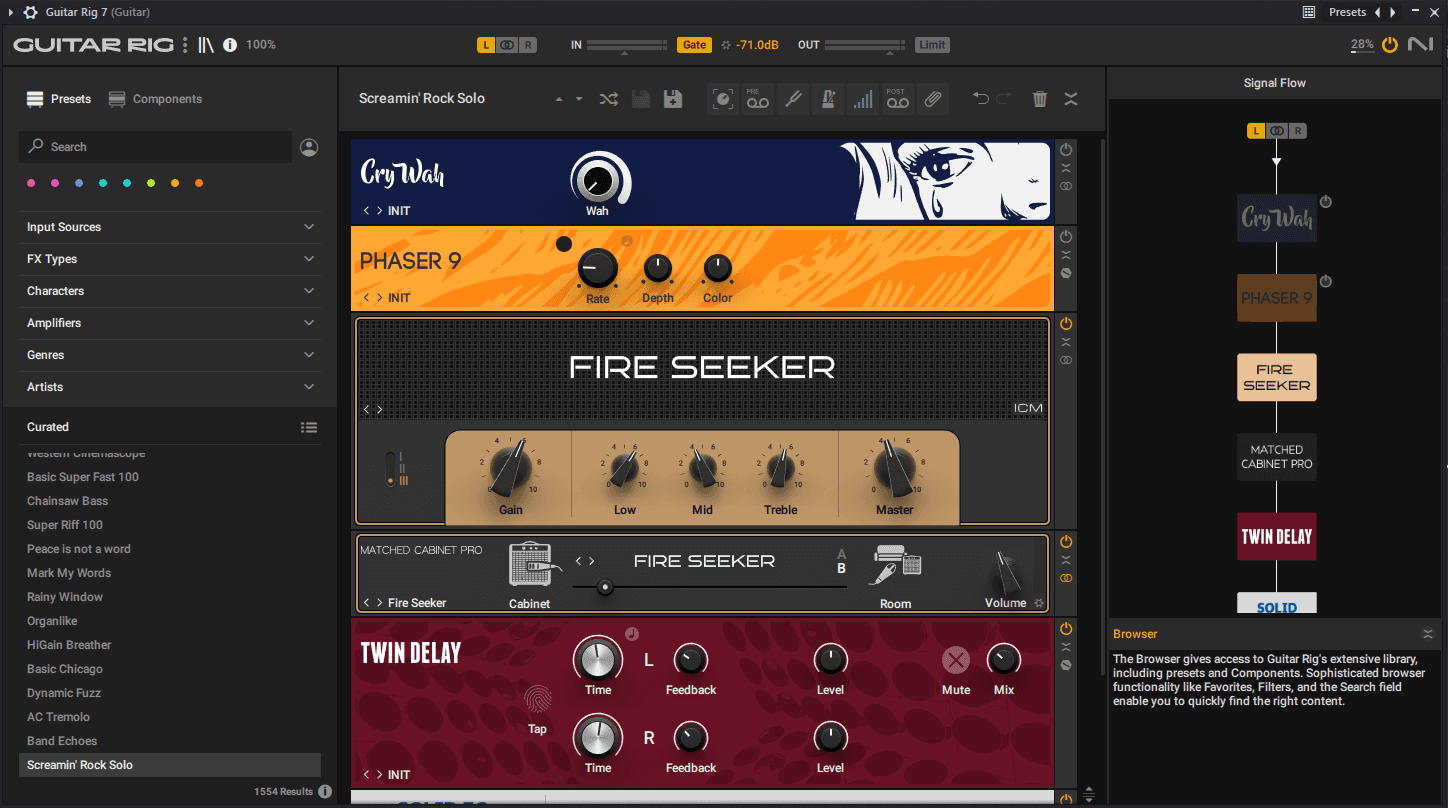
For Guitar Leads (2) and Guitar Chords, I recorded a peer’s electric guitar routed into my Scarlett Solo and utilized the Guitar Rig 7 plugin from Native Instruments for the amp. I used the “Screamin’ Rock Solo” preset for the leads and the “VHS Board” preset for the chords to give them distinct distortion effects.
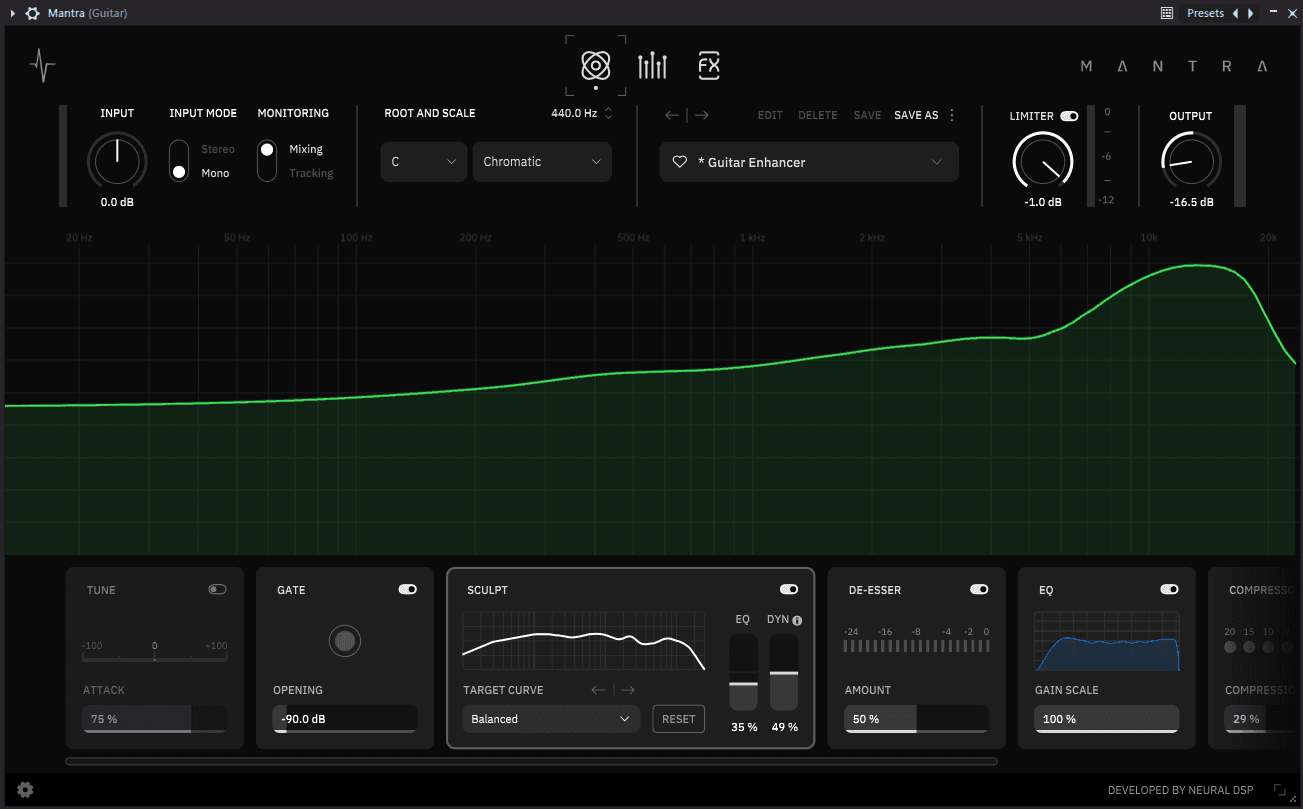
I included the Mantra plugin by Neural DSP for all Vocal and Guitar tracks to give them some base EQing, compression, reverb, delay, and chorus before running them through another round of EQing using Neutron Elements for finalized mixing.
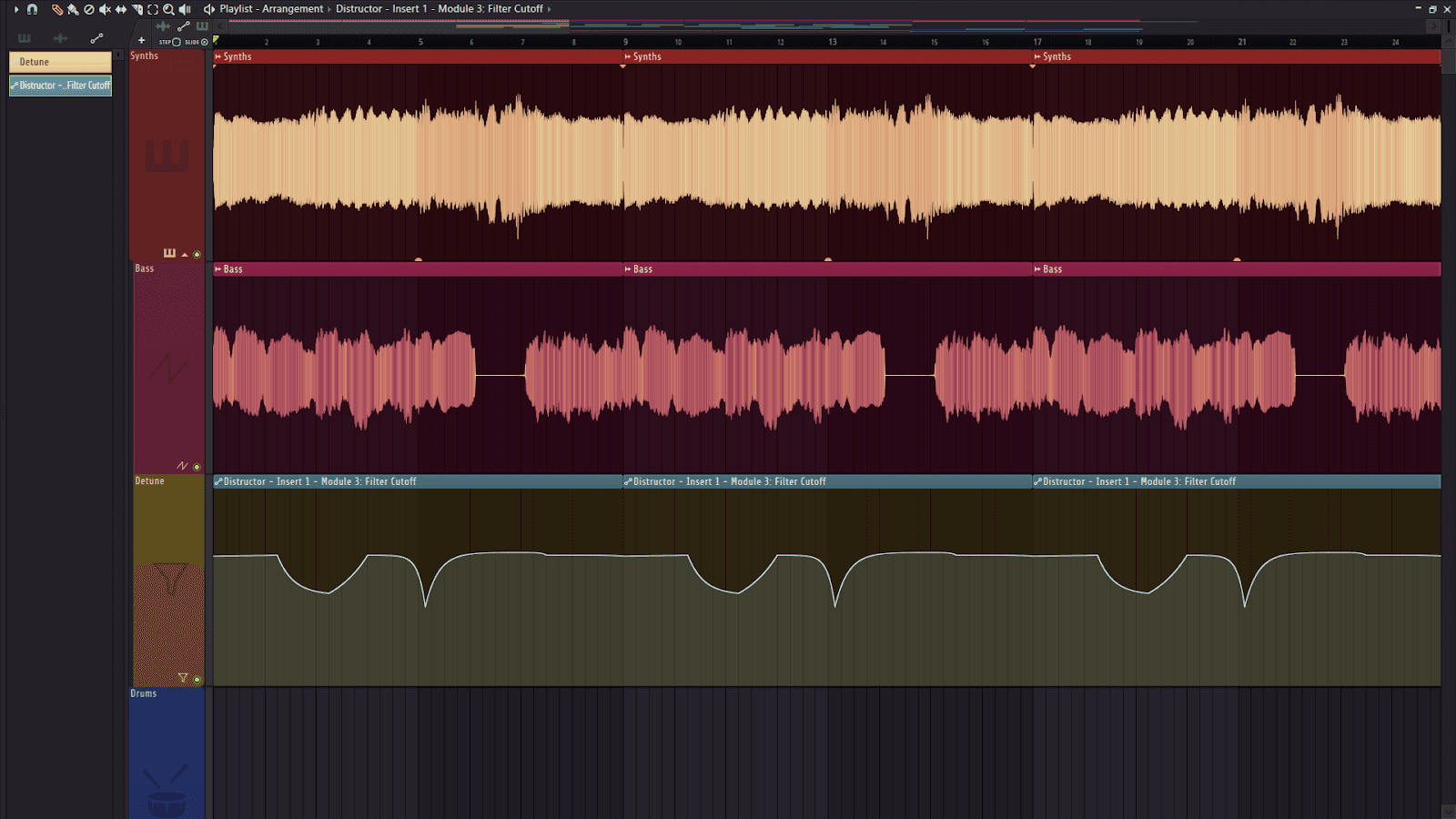
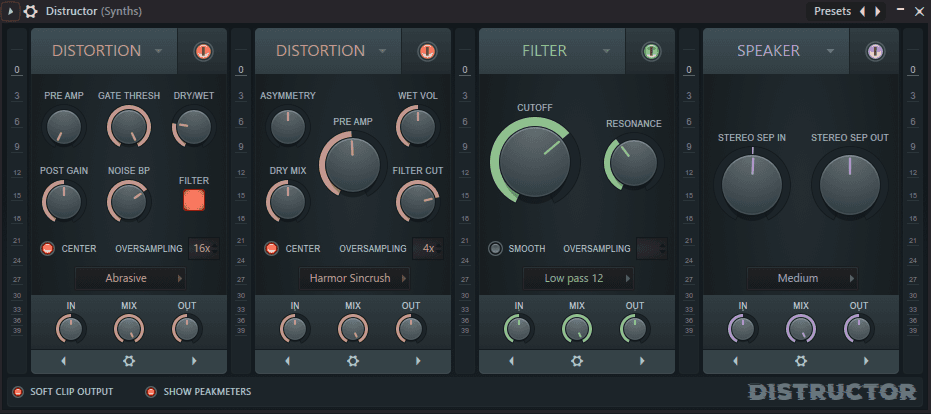
I utilized an automation on the plugin Distructor, a native plugin for FL Studio, to give the Synth and Bass a growling distortion.
Prayer
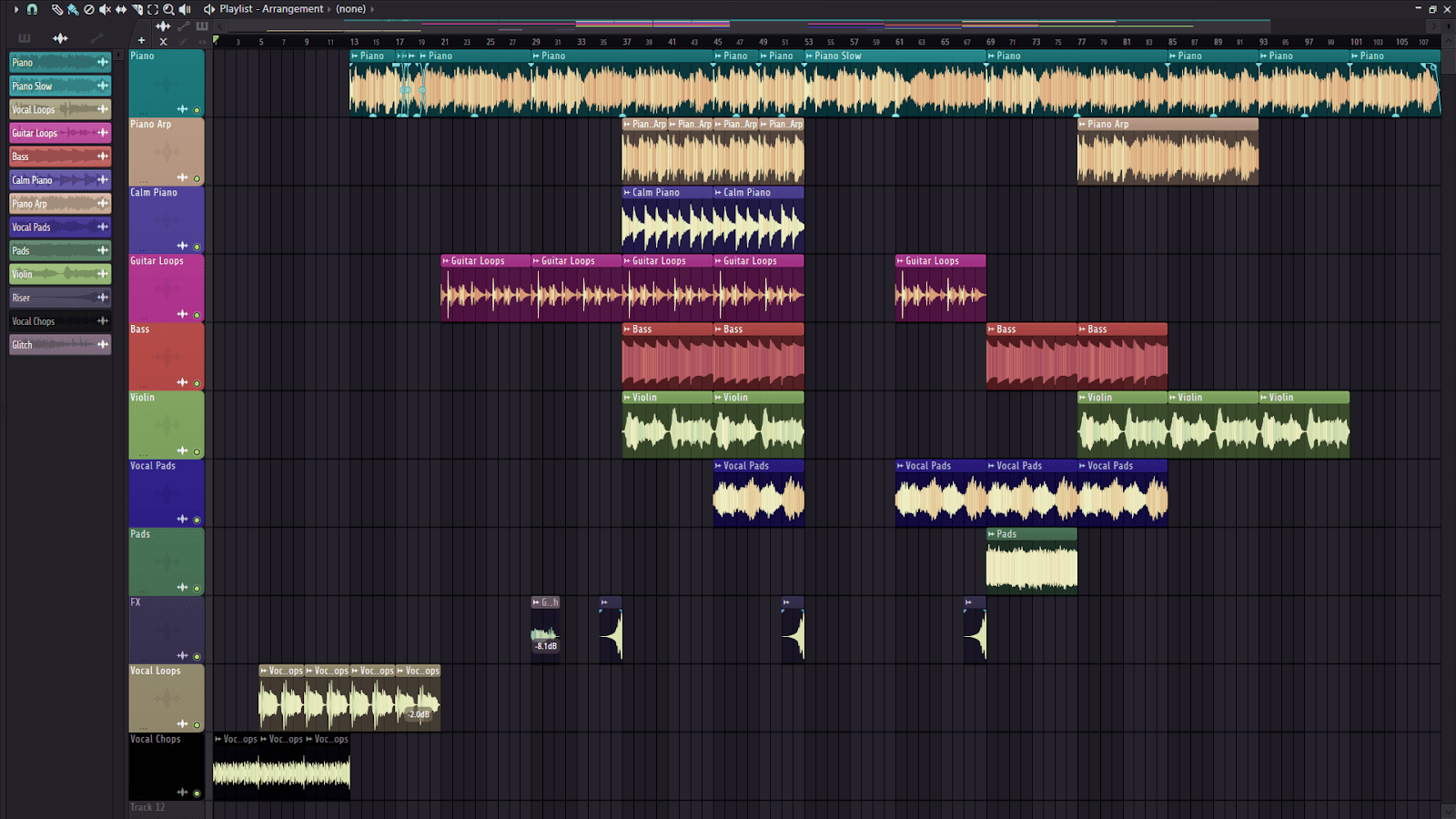
“Prayer” is a piece in D Major at 105 BPM with 11 tracks. The piece contains:
Piano
Piano arp
Soft piano (more of a calming effect)
Guitar
Bass
Violin
Vocal pads
Pads
FX (glitch foley and risers)
Vocal loops (for the intro)
Vocal chops (glitched vocal chops for the intro)

In earlier iterations, there was an issue of a chord dissonance, going off-key in the flow of the rest of the track. I solved this by splicing 4 different segments in the third of the track and stitched them together to create a better flow in the dissonance section, while also retaining that same dissonance in later parts of the track where it felt placed correctly.
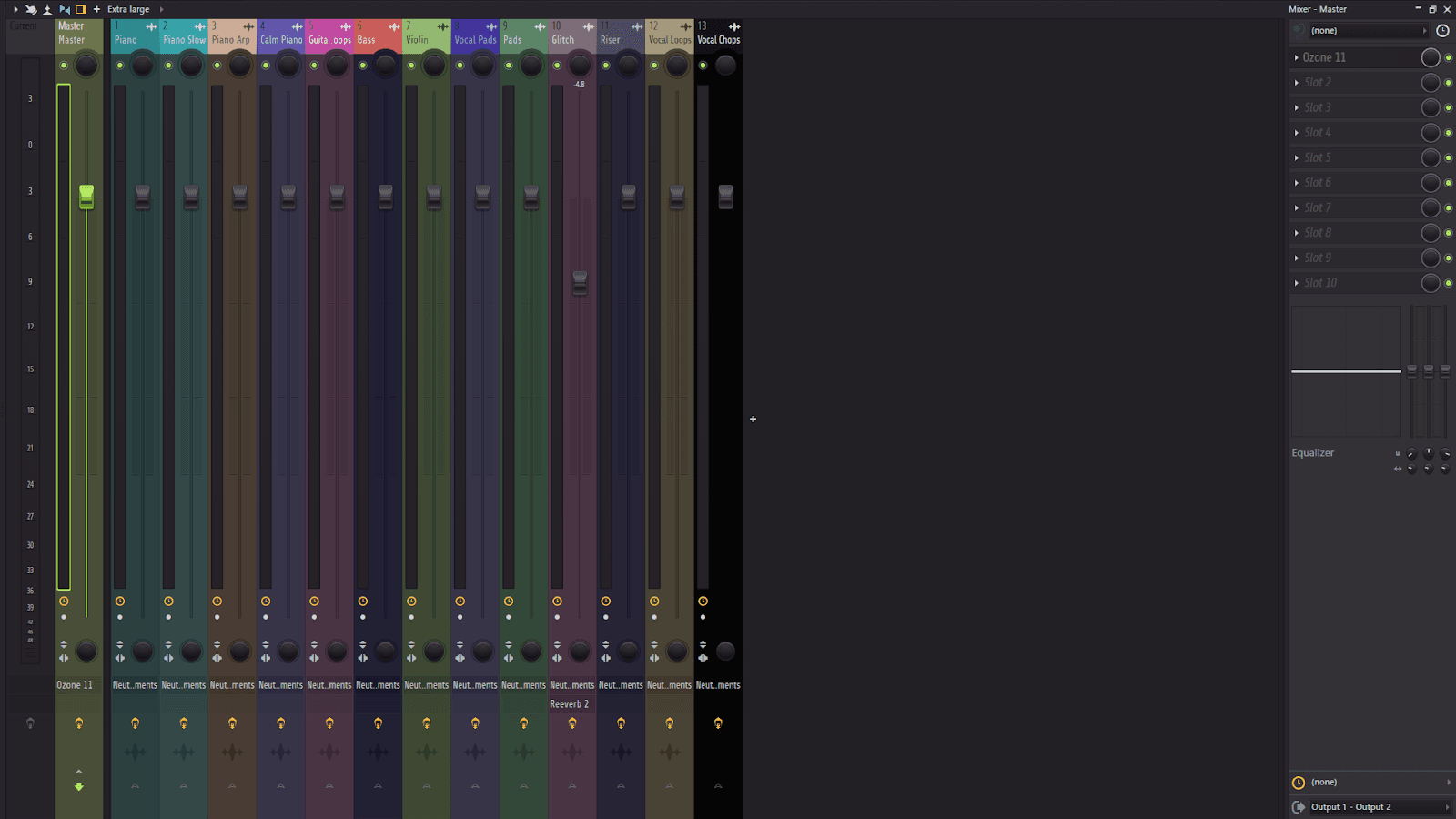
Like the above pieces, I utilized Neutron Elements for the mixing in each mixer track and Ozone 11 for the mastering in the master track.
III. Music Video
In the Audio Pixel Collider, Professor Mk Haley had obtained three CRT TVs for the use of the game lab on the top floor of the Payne Theatre. I asked if I could borrow them for the filming of the music video, and my request was granted. I picked up the CRT TVs from the Department of Fine Arts library and brought them to the PLAI Lab.
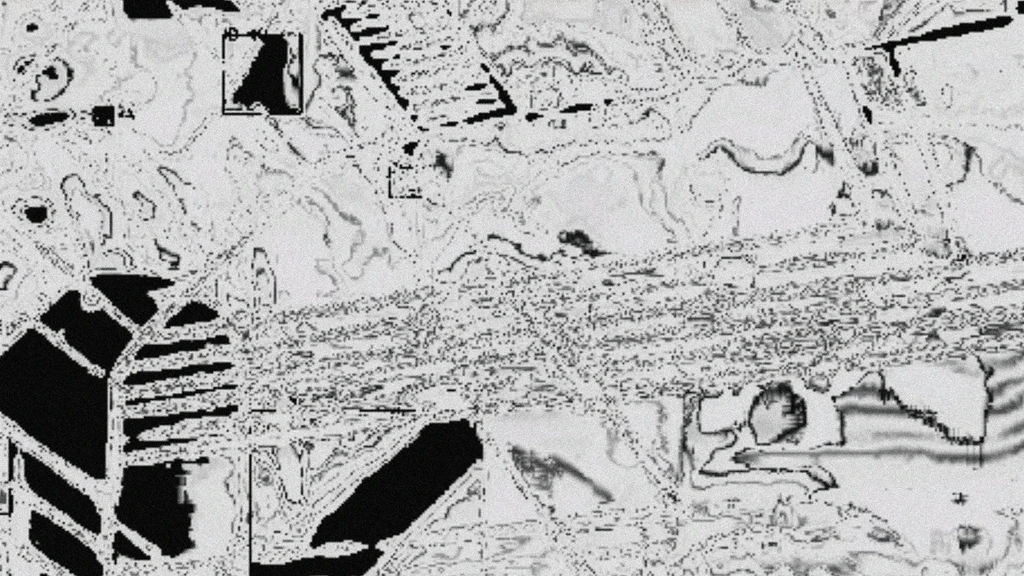
I purchased an RCA to HDMI converter box from Best Buy and used some RCA cables that I already owned to plug them into the box and wire an HDMI cable to my laptop. It turned out to be a success. With a functioning CRT TV stream, I created a visualizer on Touchdesigner and Resolume using a technique called datamoshing and streamed it live on the CRT TV and a projector screen.
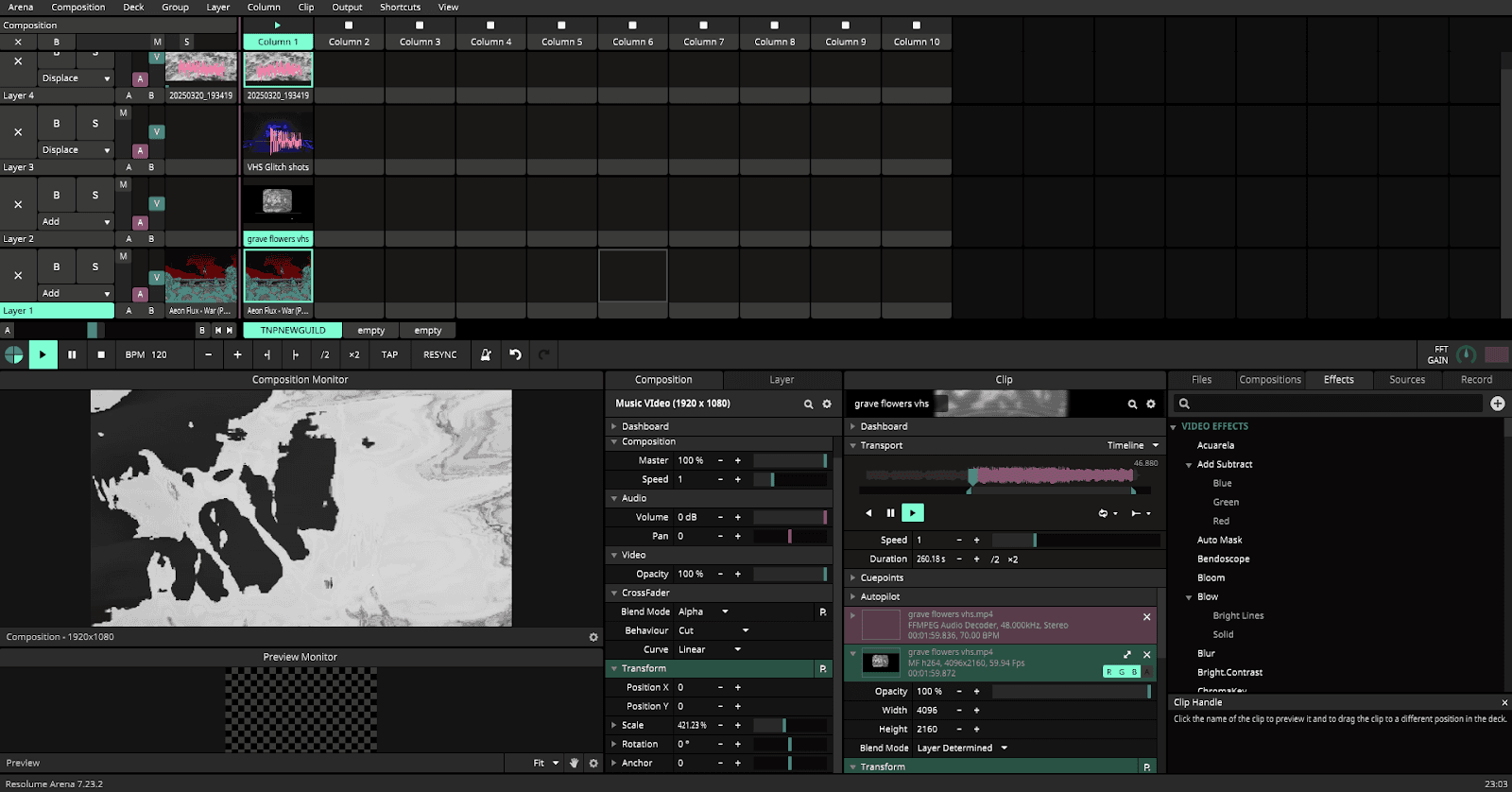
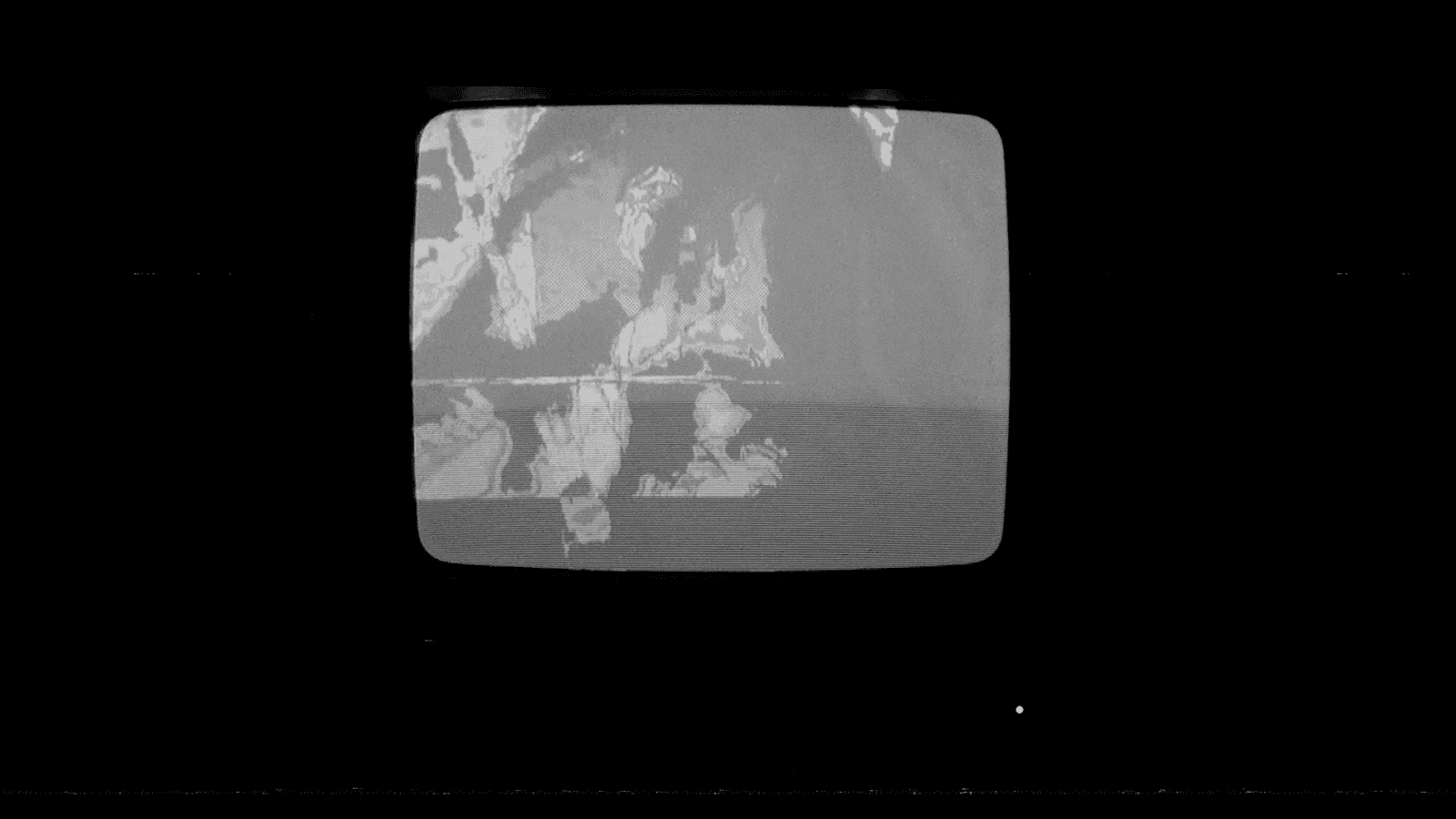
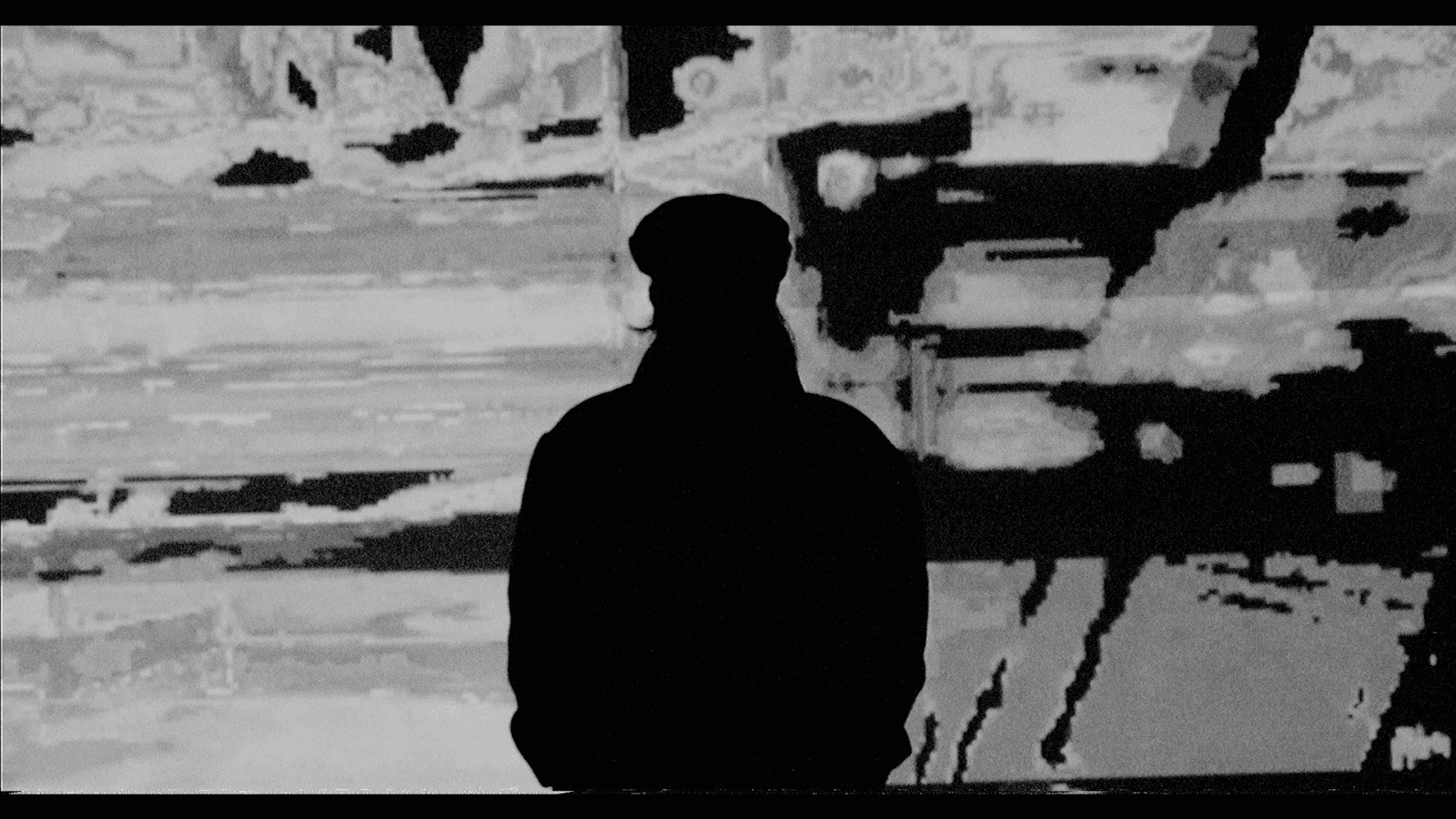
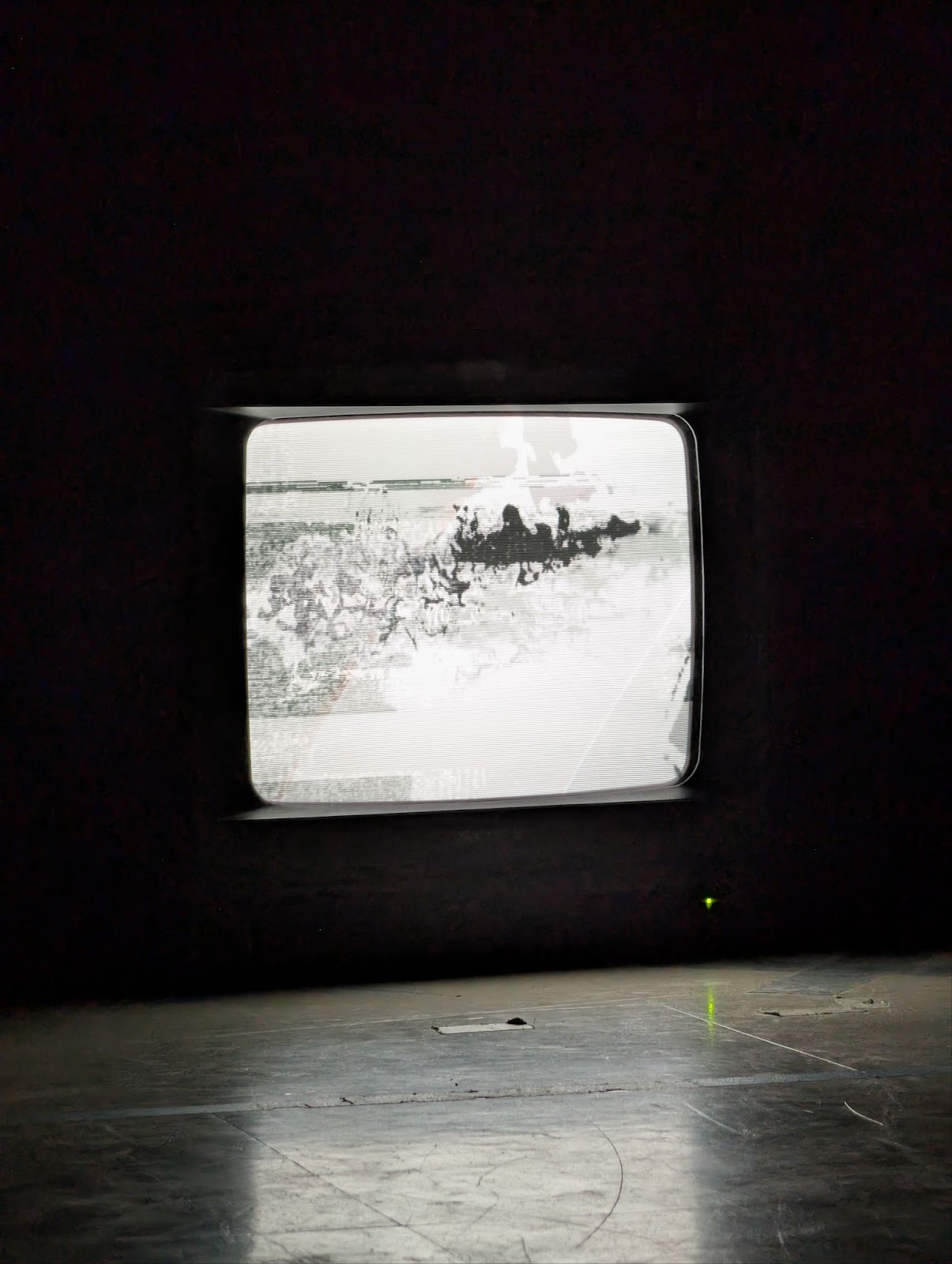
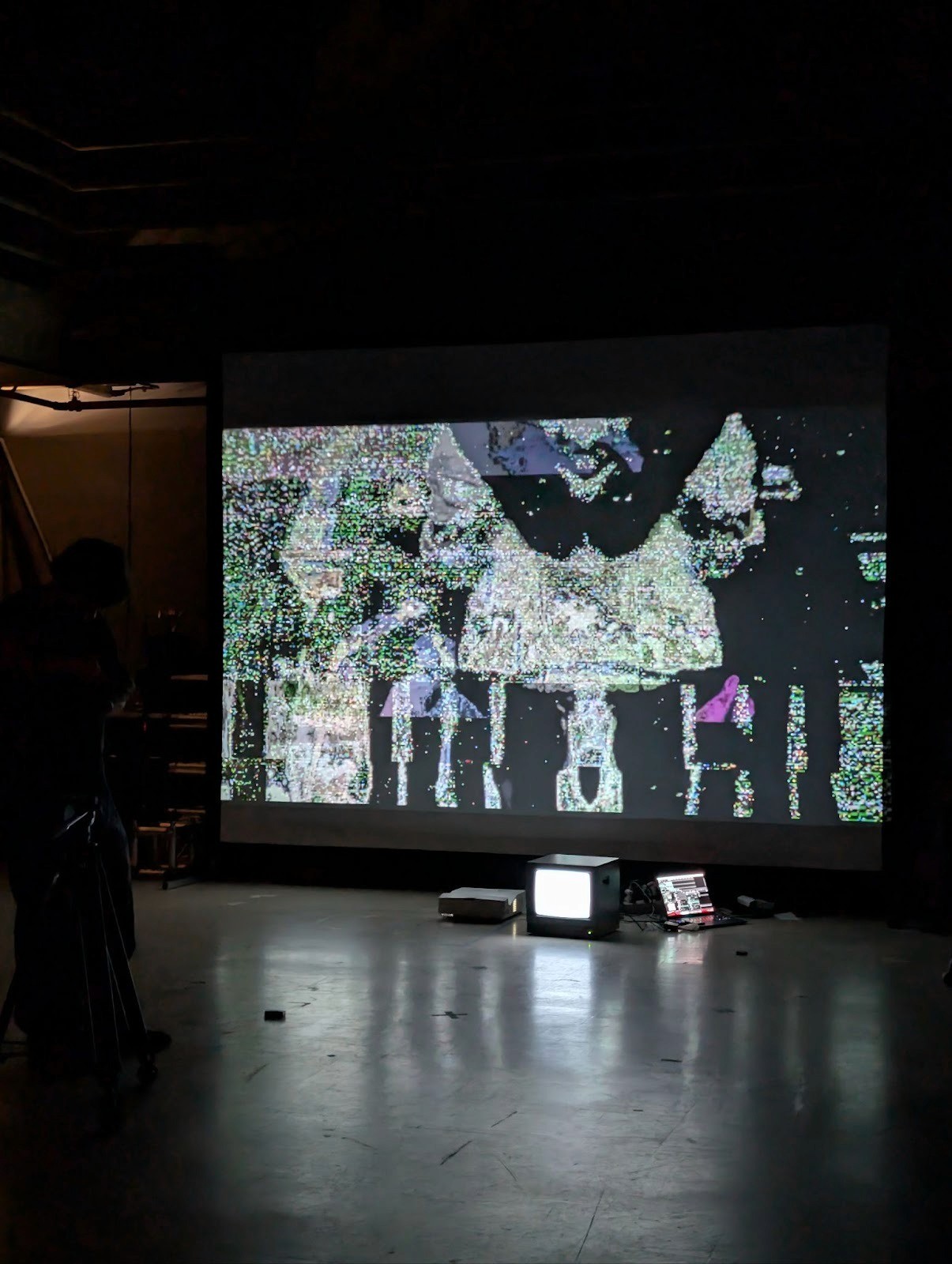
For filming, I utilized my Blackmagic Pocket Cinema Camera 6K G2 and filmed in RAW footage at 4K.
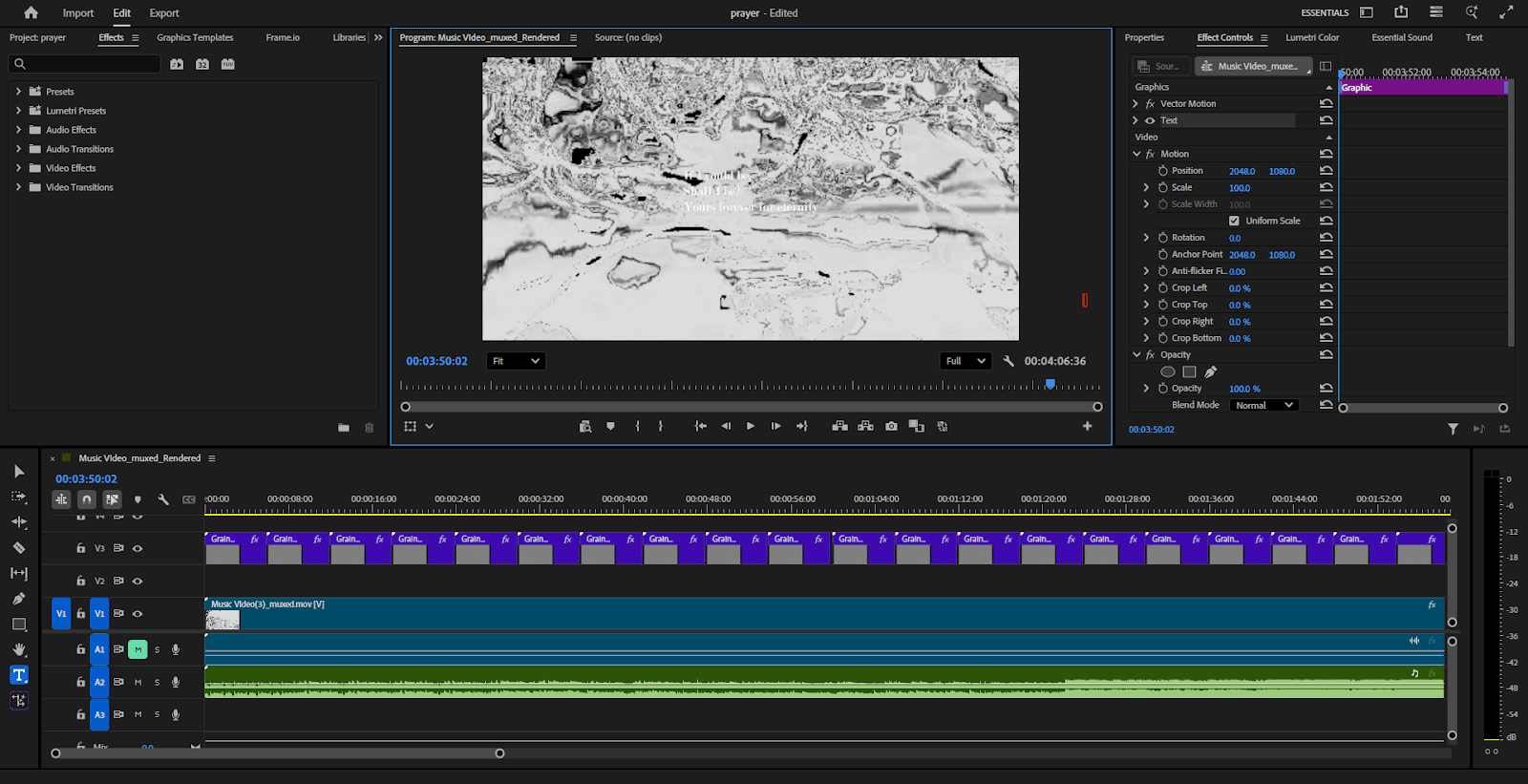
I edited all my videos in Adobe Premiere Pro, utilizing the NTSC-RS plugin from valadaptive on GitHub to create a VHS effect on an Adjustment layer. This effect, added on top of the filmed CRT TV footage, gave it the exact gritty, grainy feel I was looking for.
IIII. Distribution
For distribution, I utilized RouteNote, a free distribution, publishing, and licensing service. While my other options were more popular, such as Distrokid and Bandcamp, I went with RouteNote as I already had an established account with them for earlier productions.
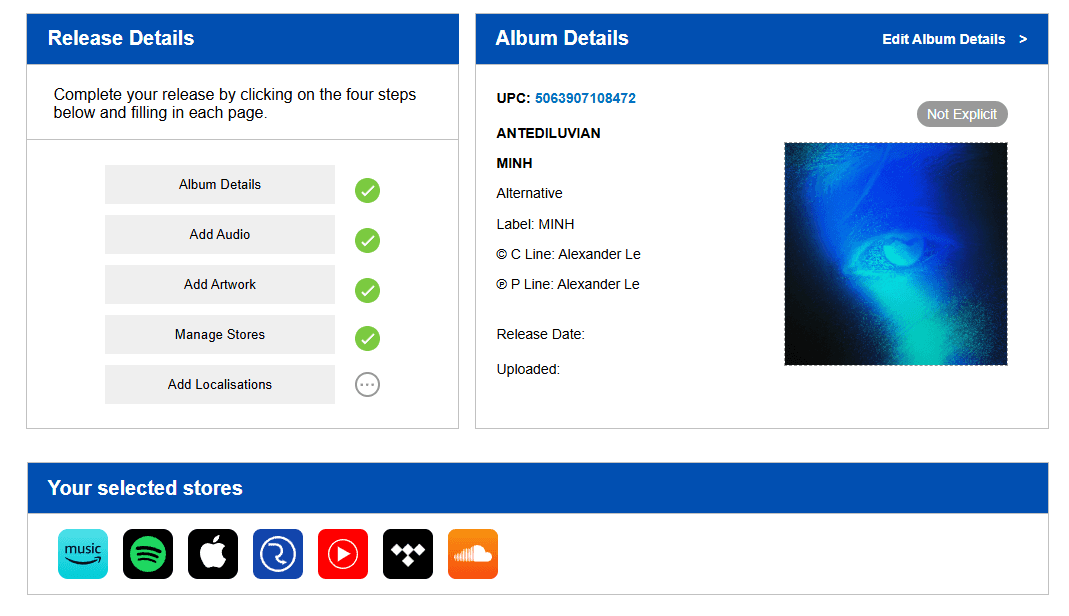
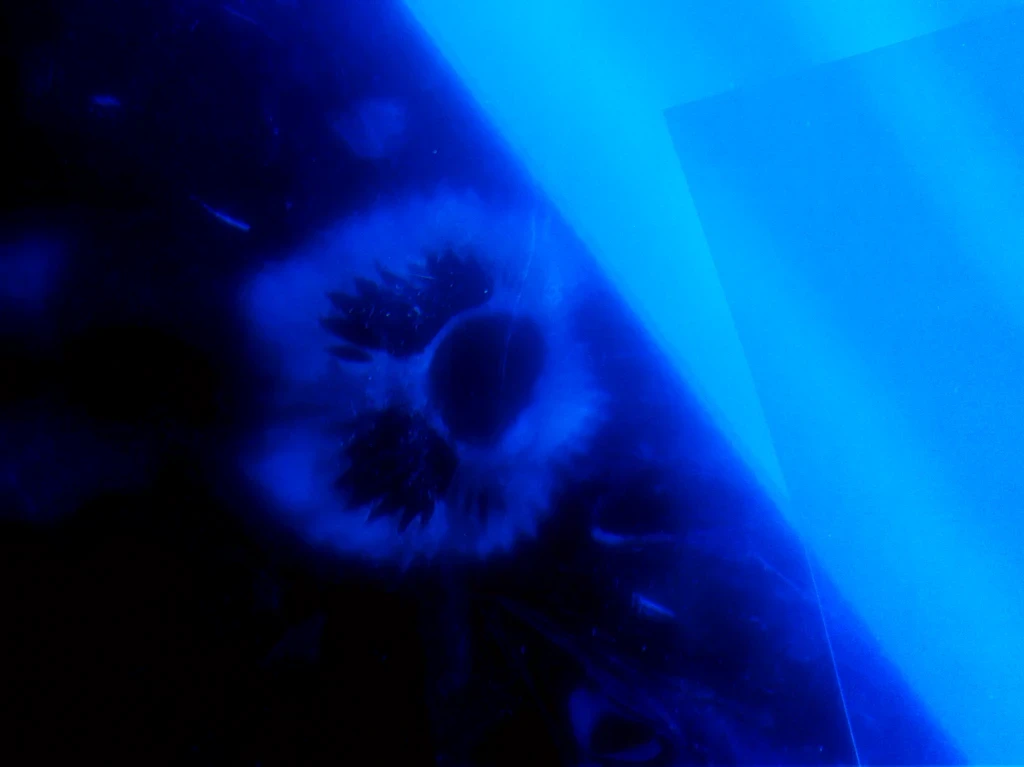
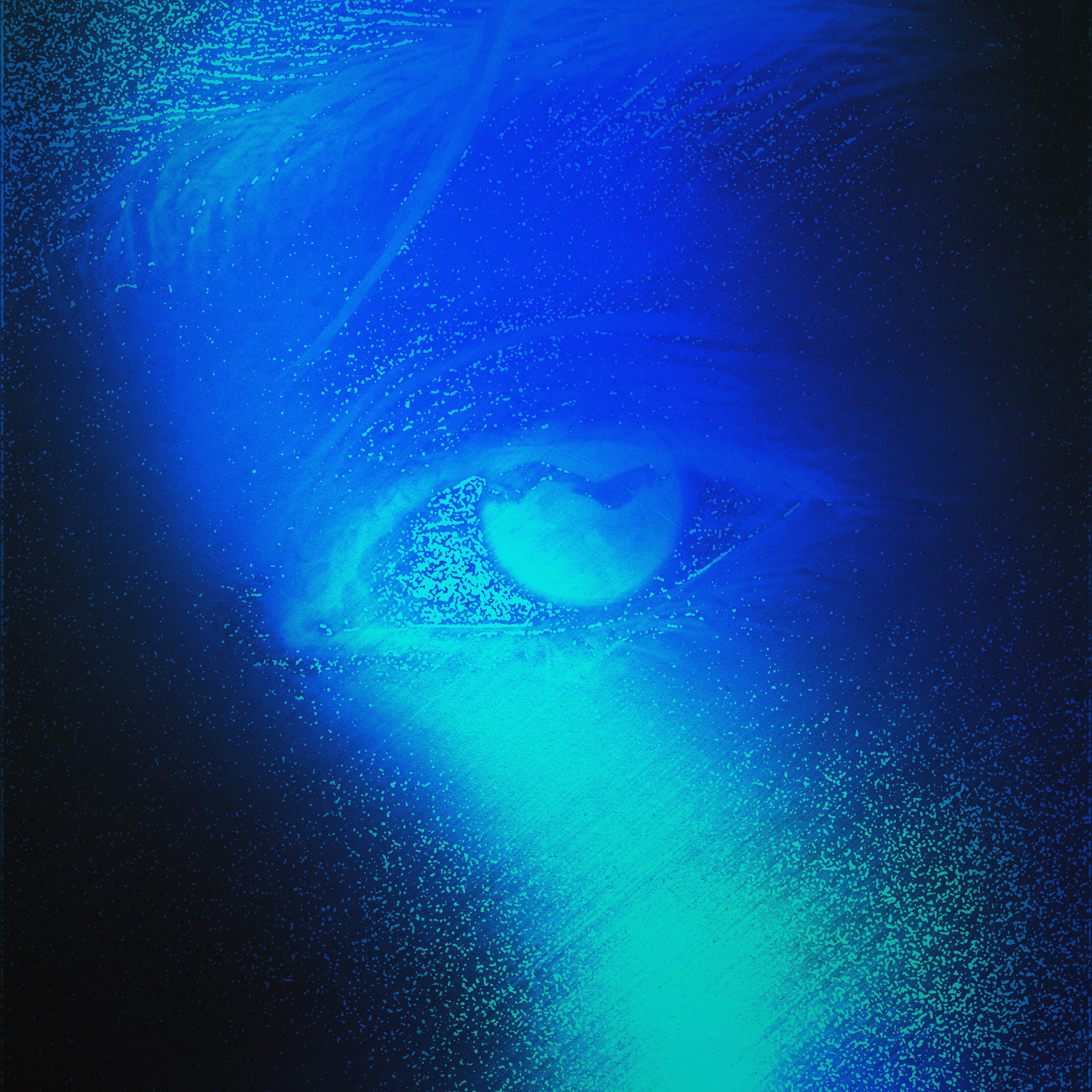
In RouteNote, I filled out all of my Album Details, uploaded my audio in FLAC format, included a standard 3000x3000px album art (a photo piece I took at the PLAI Lab during filming and edited on Adobe Photoshop), and selected which stores I wanted my album to be distributed on.
Since the distribution service is worldwide, I chose the most popular music streaming services that have international access:
Amazon Music
Spotify
Apple Music
RouteNote Direct
YouTube Music
Tidal
Soundcloud
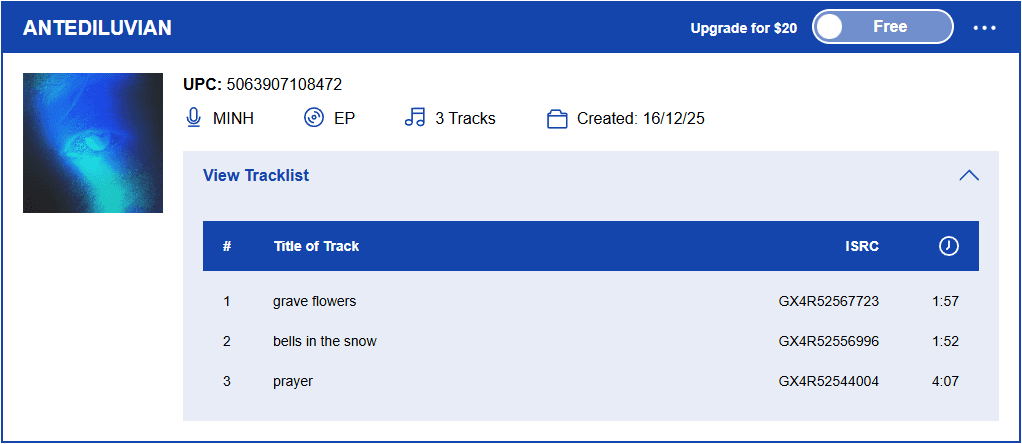
While the album is set to launch on streaming services within a week, I am debuting the pieces on my personal YouTube channel (with music videos) and SoundCloud.
Result
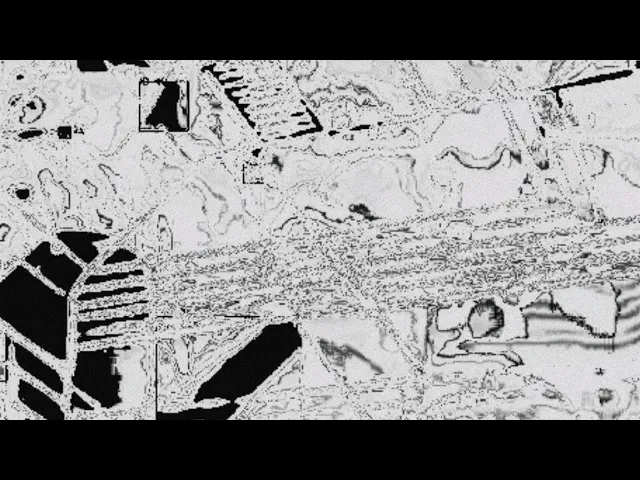
Gallery showcase